10 Creative Ways to Share Digitized Family Memories with Loved Ones

You finally did it. Boxes of old prints, dusty VHS tapes, and forgotten slide carousels are now neatly digitized and sitting on a hard drive or cloud folder. The hard work is done — but here is the thing most people miss: sharing family photos is where the real magic begins. A digitized memory only truly comes alive when it reaches the people who lived it. Whether your family is spread across three time zones or just a few towns apart, there are more creative, affordable, and heartfelt ways than ever to bring those moments back into people's daily lives.
This guide walks you through 10 genuinely creative ideas for sharing digitized family memories — from low-tech options that even your least tech-savvy relative will love, to modern approaches that feel surprisingly personal. None of these require a big budget or advanced technical skills.
1. Set Up a Smart Digital Photo Frame as a Living Album
A digital photo frame connected to Wi-Fi is one of the most effortless ways to keep family memories visible every single day. Instead of a static print on the wall, these frames cycle through hundreds of photos automatically. The best part: you can load new images remotely, so grandparents on the other side of the country receive fresh photos of grandchildren without having to do anything at all.
Services like Google Photos, iCloud Shared Albums, or dedicated frame apps (such as those used by Aura or Skylight frames) let multiple family members contribute photos to the same display. This turns a single device into a collaborative, ever-changing family gallery. Set it up once, and it keeps giving for years.
Pro tip: Pair old digitized photos with recent ones in the same album rotation. Seeing a 1975 vacation shot slide into a 2024 birthday photo creates a beautiful sense of continuity.

2. Host a Virtual Viewing Party for Far-Away Relatives
A virtual viewing party turns sharing family photos into a live, shared event rather than a passive scroll. The idea is simple: schedule a video call with family members, share your screen, and walk through a curated slideshow together in real time. People can comment, laugh, correct the record ("That's not 1988 — that's definitely 1991"), and share stories that might otherwise never come up.
Platforms like Zoom, Google Meet, or even a simple FaceTime group call work well. For a more polished experience, tools like Google Slides or Apple Keynote let you build a proper slideshow with captions and music that you narrate live. Aim for 30–45 minutes with a curated set of 40–60 images. Too long and attention drifts; too short and it feels rushed.
Make it an event: Send a calendar invite in advance, suggest people bring a snack or a drink, and ask each attendee to come prepared with one memory or story related to the photos. It becomes a storytelling session, not just a slideshow.

3. Create Personalized Video Compilations
A simple slideshow video set to meaningful music is one of the most emotionally resonant gifts you can create. Free tools like CapCut, iMovie, Google Photos Movies, or Canva let you string together digitized photos with transitions, captions, and a soundtrack. The result feels far more personal than an email attachment or a shared folder link.
Consider themed compilations: a tribute to a grandparent's life, a decade-by-decade look at a sibling, or a "first years" video for a parent's birthday. Keep them short — 3 to 5 minutes is the sweet spot. Long enough to feel substantial, short enough that people actually watch it all the way through and share it themselves.
Upload the finished video to a private YouTube link or Google Drive and share it in a family group chat. Recipients can watch on their own time and re-watch as often as they like.
4. Build a Private Family Website or Shared Cloud Gallery
A dedicated family website or shared cloud gallery becomes a permanent, organized home for your digitized memories — one that every family member can access anytime. Services like Google Photos Shared Albums, iCloud Shared Albums, or Flickr offer free options with decent storage. For something more curated, platforms like Mylio, Smugmug, or even a simple WordPress site give you more control over presentation.
Organize photos by decade, family branch, or life events (holidays, moves, weddings, graduations). Add captions with names, dates, and locations where you know them. Future generations will thank you for this context — a photo labeled only "Summer, 1970s" loses half its value compared to one that reads "Aunt Rosa's backyard, July 1974, before the elm tree was cut down."
Access tip: Keep the gallery private with a password or restricted invite list. This protects family members' privacy while still making it accessible to everyone who matters.
5. Create a Private Family Social Media Group
Private Facebook Groups, WhatsApp communities, or even a dedicated Slack workspace give families a low-friction way to share family photos in an ongoing, conversational format. Unlike a one-time email blast or a static gallery, a group chat keeps the memories flowing naturally over time.
The key is to make participation easy. Pin a short "how to post" guide for less tech-savvy members. Create themed weeks ("Throwback Thursday" is a classic for a reason). Encourage people to post their own scanned photos alongside the newly digitized ones. Soon the group takes on a life of its own, with family members becoming contributors rather than passive recipients.
For families with younger members who are not on Facebook, a WhatsApp or iMessage group is usually more inclusive. The goal is to pick the platform most of your family already uses rather than asking everyone to learn something new.
6. Order a Printed Photo Book
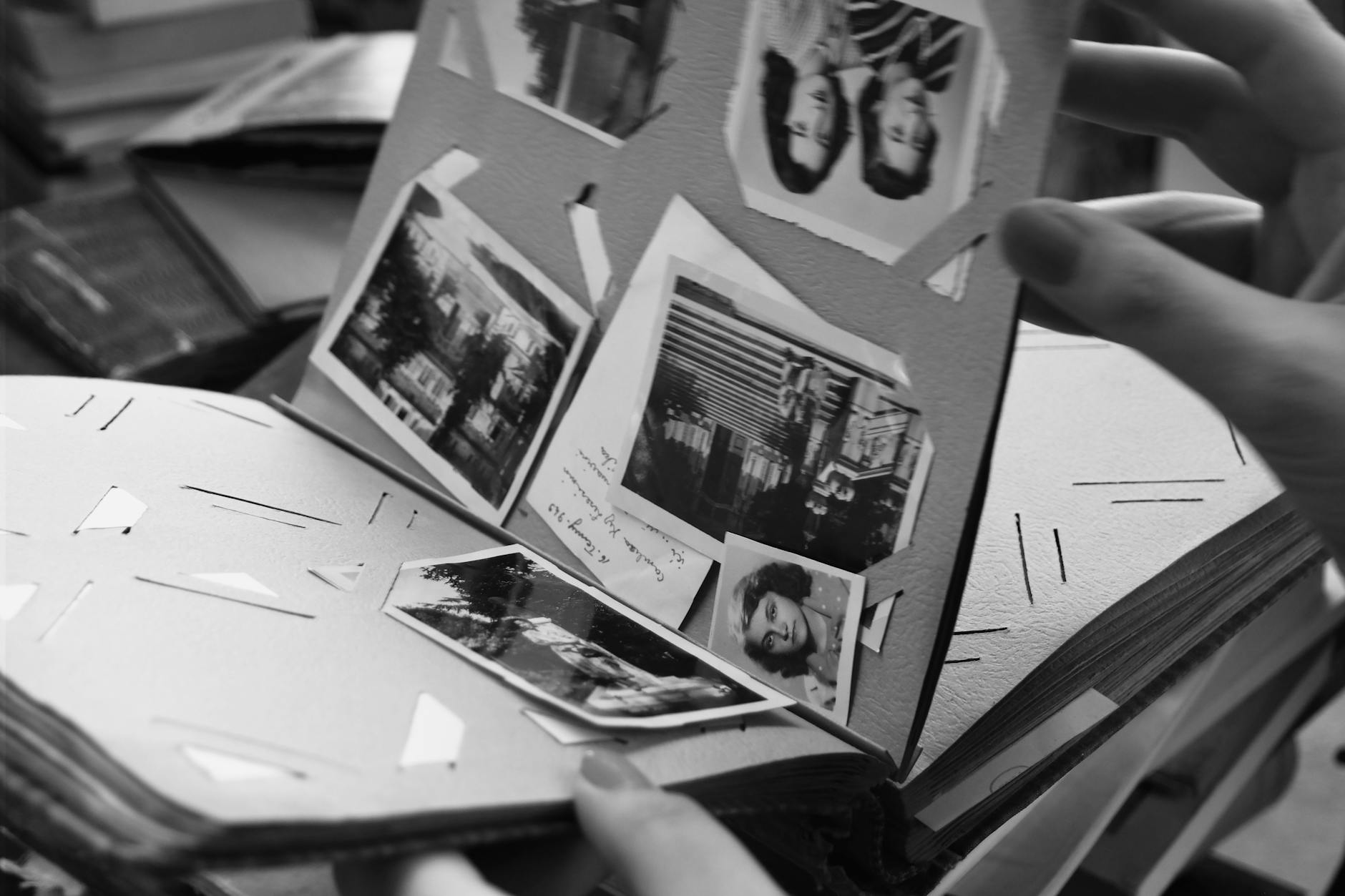
There is something uniquely powerful about holding a physical photo book. Unlike a digital file that lives on a server, a printed book sits on a shelf, gets passed around at family gatherings, and survives decades without a password reset. Services like Shutterfly, Artifact Uprising, Chatbooks, and Google Photos offer relatively affordable photo book printing with easy drag-and-drop design tools.
Create one for a milestone — a grandparent's 80th birthday, a parent's anniversary, a family reunion — and give it as a gift. The recipient rarely expects it, and the reaction is almost always deeply emotional. Consider making multiple copies so that different branches of the family each have one.
7. Produce an Anniversary or Tribute Video
Anniversary and tribute videos take the personalized video compilation idea one step further by centering a specific person or couple. A tribute video for a grandparent's 50th wedding anniversary — starting with childhood photos, moving through courtship, marriage, children, and grandchildren — is the kind of gift that gets played at the party and saved forever.
You do not need professional editing skills to make something beautiful. Google Photos and Apple Photos both have auto-generated "memory movies" that you can customize. For something more polished, free tools like DaVinci Resolve or web-based editors like Veed.io offer more control. Adding a voiceover narration from a family elder, or captions with short family stories beneath key photos, elevates the end result significantly.
Crowdsource the content: Before you start editing, send a message to the family asking everyone to send their favorite one or two photos of the person being celebrated. You will end up with material you never knew existed.
8. Build an Interactive Family Tree with Photos
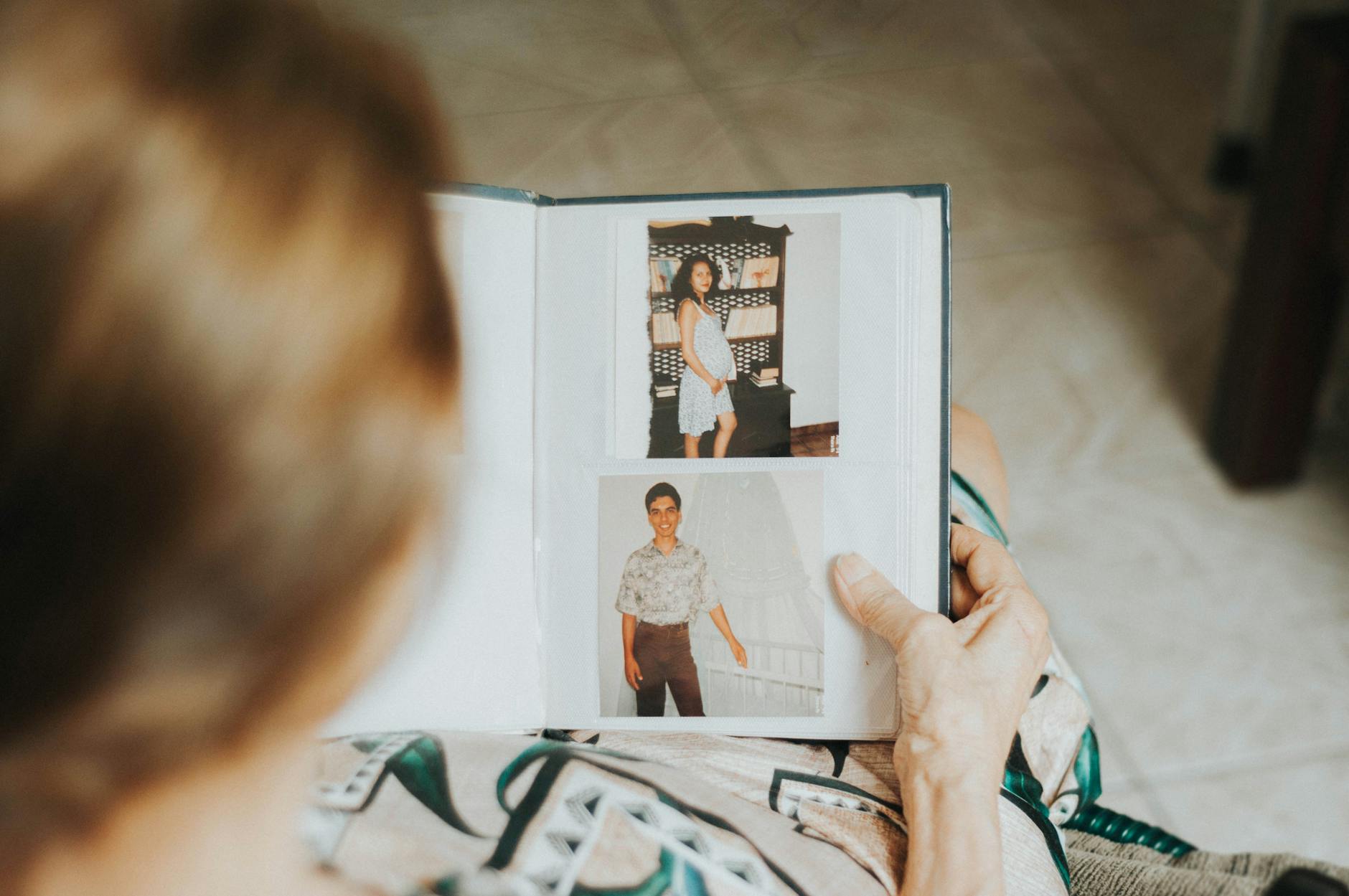
Attaching digitized photos to a visual family tree transforms genealogy from an abstract list of names and dates into a living, breathing family portrait. Platforms like Ancestry.com, MyHeritage, and FamilySearch all support photo attachments. Many let you share the tree with other family members who can then add their own information and photos.
Even a simpler approach — a spreadsheet with names, birth years, and links to digitized photos organized by generation — can be enormously valuable to family members doing their own research later. The combination of faces and facts is what makes a family tree genuinely engaging rather than merely informational.
If your family has international roots, platforms like MyHeritage have strong tools for connecting with distant relatives who may hold photographs and documents you have never seen.
9. Send a Monthly "Memory Highlight" Email
A monthly email newsletter is one of the most underrated and sustainable ways to keep digitized family memories circulating. The format is simple: once a month, pick 5 to 10 photos organized around a theme (a specific year, a holiday, a particular family member, a location) and write a short paragraph of context for each one. Send it to a family mailing list.
Unlike a shared folder that requires people to actively visit it, an email lands directly in everyone's inbox. It is low-effort for recipients and creates a gentle, recurring ritual that keeps family history alive without feeling like homework. Over time, the archive of past newsletters becomes its own kind of family record.
Free tools like Mailchimp, Substack, or even a regular Gmail draft with BCC work fine. You do not need anything fancy. What matters is the consistency and the personal touch in the writing. Invite other family members to "guest curate" an issue focused on their own memories — it distributes the work and brings in perspectives you would not have otherwise.
10. Create QR Code Memory Cards for Special Occasions
This is one of the most creative and modern ways to share family photos: print a physical card — a birthday card, holiday card, or keepsake bookmark — that contains a QR code linking to a curated gallery or video. The recipient scans the code with their phone and is taken directly to a private album or video that you have prepared for them.
Free QR code generators like QR Code Generator, Canva's built-in tool, or Adobe Express let you create a code linked to any URL in under a minute. Host the photos on a Google Photos shared album, a Dropbox folder, or a YouTube unlisted video, then generate the QR code pointing to that link.
The physical card makes it feel like a real gift. The digital destination makes it feel magical. For a grandparent's birthday, imagine handing them a beautifully printed card that says "Scan here to see 50 years of our family" — and then watching their face as they flip through decade after decade of memories on their phone.
Longevity note: If you use a QR code on a printed item you intend to keep for years, make sure the destination URL is hosted somewhere stable. A personal Google Photos link is more reliable long-term than a free link-shortener that might expire.
Key Takeaways
Digitizing family photos is the first step — but the memories only truly come alive when they are shared. The ten ideas above range from simple and free (a monthly email, a private group chat) to more involved creative projects (tribute videos, family websites, QR code cards). You do not need to try all of them at once. Start with the one that fits your family's communication style and the time you have available.
- Passive sharing: Digital photo frames and shared cloud galleries require setup once and then run themselves.
- Event-based sharing: Virtual viewing parties and anniversary videos work best tied to a milestone or occasion.
- Ongoing sharing: Monthly email highlights and private social groups keep memories flowing as a long-term habit.
- Gift-based sharing: Printed photo books and QR code memory cards make memories into tangible, keepable objects.
- Archival sharing: Family trees and private websites create lasting, organized records for future generations.
The single biggest mistake people make after digitizing family photos is letting the files sit in a folder, unopened. Every idea on this list costs little more than a few hours of your time — and the return, in laughter, tears, and reconnection, is genuinely priceless.