Best Tech Gadgets for Watching NBA Games at Home in 2026
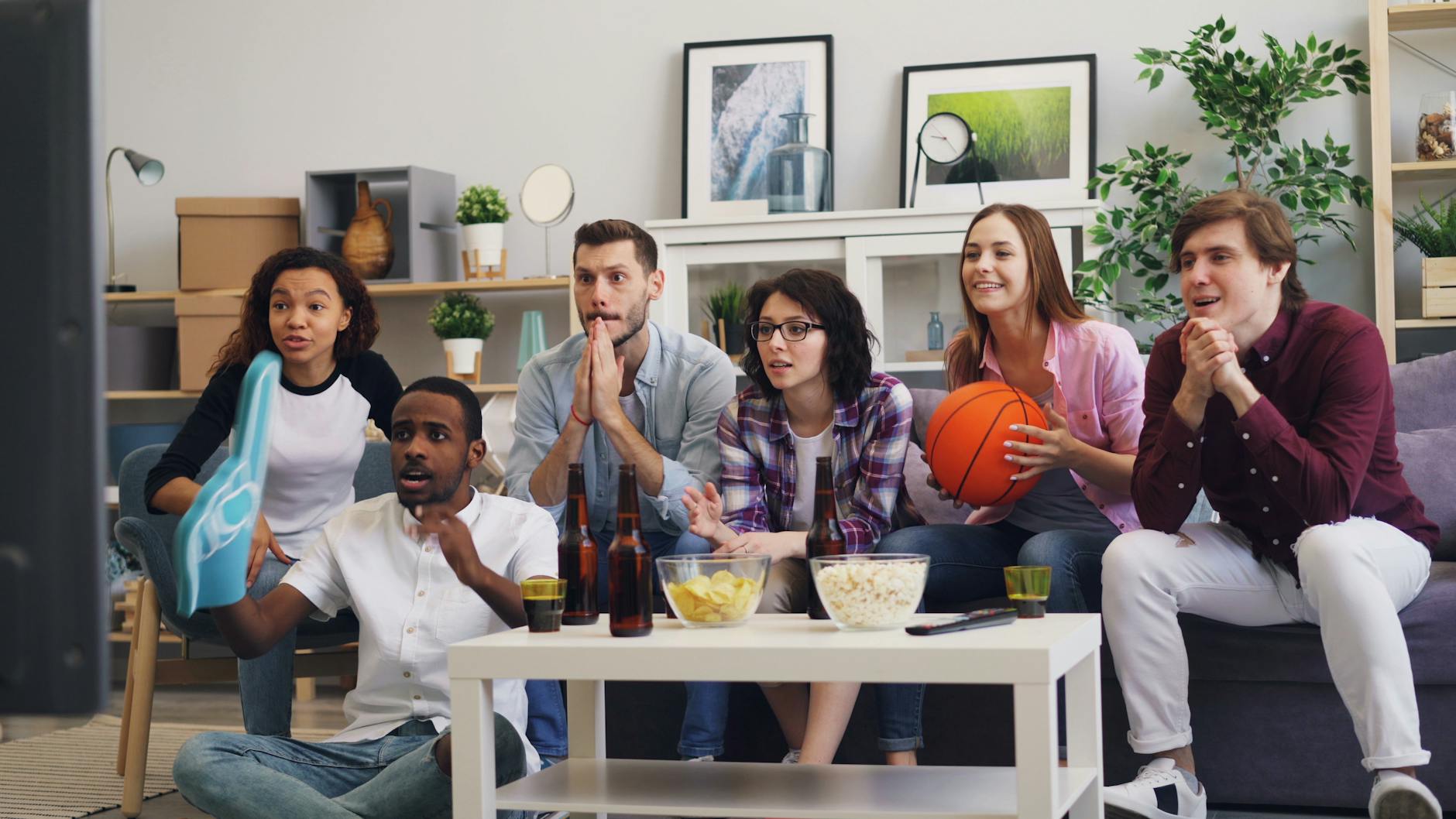
Whether you're hosting a packed watch party or settling in solo for a nail-biting playoff run, having the right setup makes every possession feel electric. The best tech gadgets for watching NBA at home in 2026 span everything from jaw-dropping 4K displays and cinema-quality soundbars to smart lighting that pulses with the action and Wi-Fi gear that ensures your stream never buffers at tip-off. This guide breaks down every category you should consider — and what to look for in each — so your living room feels less like a couch and more like a courtside seat.
1. Smart TVs and 4K Displays: The Foundation of Your Setup
Your television is the centerpiece of any NBA viewing experience, and in 2026 the gap between a mediocre screen and a great one has never been more noticeable. 4K resolution is now table stakes — what separates an average sports TV from an exceptional one is the panel technology, refresh rate, and motion processing.
For basketball specifically, look for a TV with a native 120Hz refresh rate. The NBA plays at a fast pace, and a 60Hz panel can introduce motion blur during fast breaks and crossover dribbles. Many modern QLED and OLED TVs feature 120Hz native panels, which means the game looks fluid from baseline drive to three-point release.
OLED panels offer the best contrast ratio on the market — perfect blacks mean the arena lighting pops brilliantly against dark court sections during late-night games. QLED panels, on the other hand, get brighter, which works better if your living room gets a lot of afternoon sunlight during West Coast tip-offs. Look for sets with local dimming zones if you go the QLED route, as this narrows the contrast gap considerably.
Screen size matters more for sports than almost any other content. A 65-inch display at 4K resolution, viewed from about 8 feet away, delivers a genuinely immersive feel. If your room allows it, 75 inches and above turns game nights into events. Many manufacturers also now offer Game Mode settings that reduce input lag — while this matters more for video games, it also tends to disable heavy post-processing that can create artificial motion artifacts during live sports.
2. Streaming Devices: Getting Every Game Without Cable
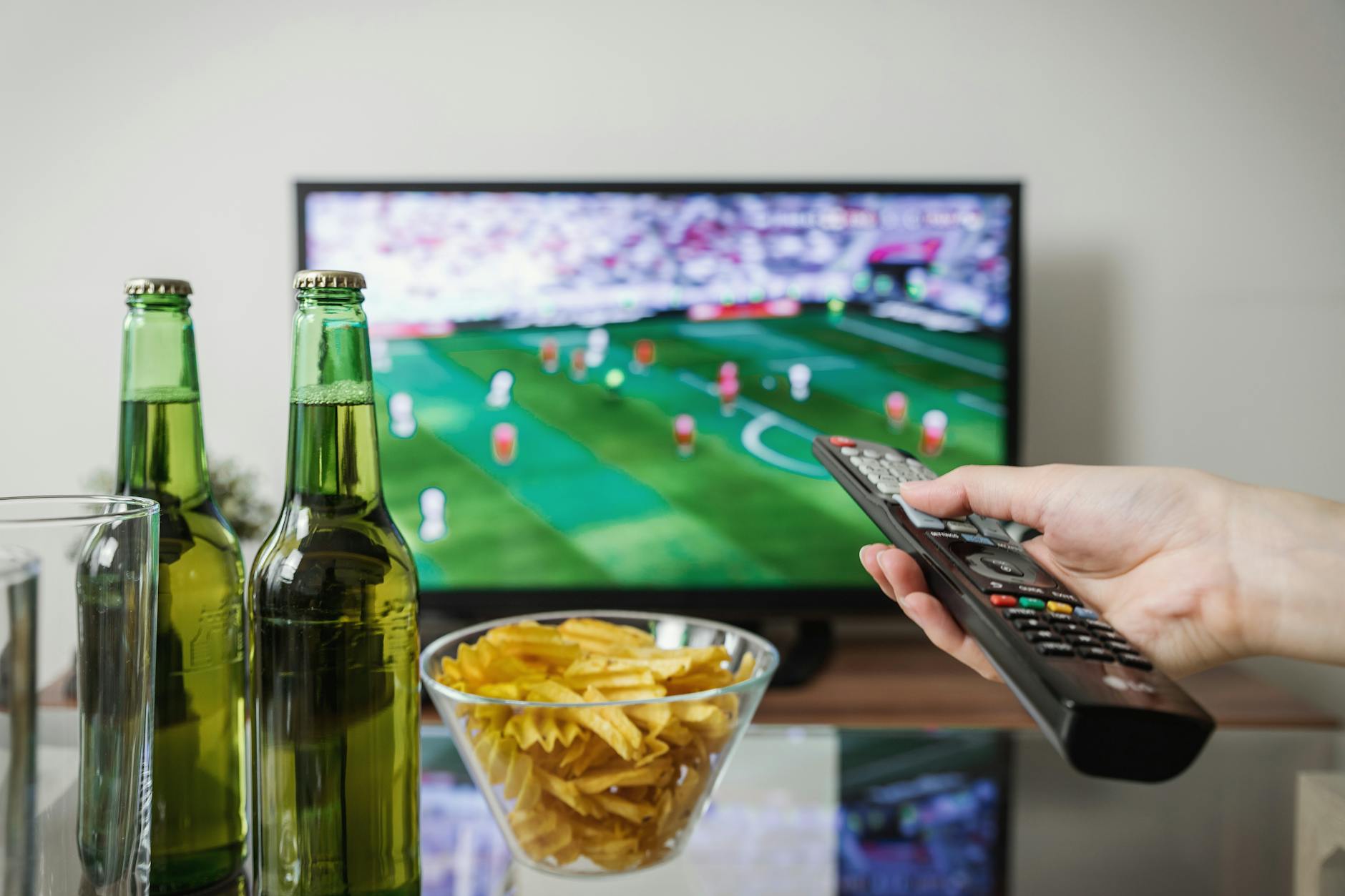
Cord-cutting is the norm in 2026, and thankfully the streaming device ecosystem has matured to the point where watching NBA games without a cable subscription is seamless. The three main players — Roku Ultra, Apple TV 4K, and Amazon Fire TV Stick 4K Max — each have real strengths.
The Roku Ultra remains the most universally compatible device, supporting virtually every streaming app where NBA games live: NBA League Pass, ESPN, TNT Sports, Peacock, and regional sports network apps. Its interface is clean, fast, and doesn't push its own content ecosystem aggressively. The included remote has a headphone jack for private listening — great for watching late games without waking the household.
The Apple TV 4K is the premium pick for anyone already in the Apple ecosystem. Its integration with the Apple TV app, which aggregates content from multiple services, makes it easy to follow a game even if it spans platforms mid-series. The A15 chip ensures it never stutters, even during 4K HDR streams. Siri integration also lets you call up scores, game schedules, and broadcast information entirely by voice.
The Amazon Fire TV Stick 4K Max is the budget-friendly powerhouse. At its price point it punches well above its weight, supporting 4K, Dolby Vision, and Dolby Atmos. Alexa integration means you can ask for the current score or switch between games hands-free — a genuinely useful feature during a night with multiple tip-offs.
Whichever device you choose, make sure your TV's HDMI port supports HDMI 2.1 to take full advantage of 4K at 120Hz. Older HDMI 2.0 ports cap out at 4K/60fps, which still looks great but leaves some performance on the table.
3. Audio Solutions: Soundbars and Speakers That Put You in the Arena
A great picture with thin built-in TV speakers is a disappointing experience. The crowd noise, the squeak of sneakers on hardwood, the crack of a block — these audio details make NBA games feel visceral. Investing in dedicated audio is one of the highest-return upgrades you can make.
For most living rooms, a soundbar with a dedicated subwoofer is the sweet spot between performance and simplicity. Look for soundbars that support Dolby Atmos, which is increasingly common in NBA broadcasts on premium streaming tiers. Atmos creates a height dimension to the audio that makes arena ambience genuinely three-dimensional — the roar of a home crowd feels like it's surrounding you, not just coming from in front of you.
If you're setting up a more dedicated home theater space, a proper 5.1 or 7.1 surround sound system takes things to another level. Rear speakers placed behind the seating area complete the 360-degree arena illusion. AV receivers from established brands offer room calibration tools that automatically tune speaker output to your room's acoustics.
For watch parties that spill into the backyard or garage, a portable Bluetooth speaker with serious output — something in the 40-watt or higher range — can extend the broadcast beyond the living room. Look for speakers with USB-C charging ports that double as power banks, so phones stay topped up through overtime.
4. Smart Lighting: Set the Mood for Every Quarter
Smart LED lighting has gone from novelty to a genuine game-day staple for serious home viewers. Done right, it transforms an ordinary living room into an atmosphere that feels curated for the game.
LED bias lighting — light strips mounted behind your TV — reduces eye strain during long viewing sessions and adds a cinematic glow that makes the screen look more vivid. Many LED strips now come with TV sync boxes that sample your screen's color output dozens of times per second and mirror those colors on the wall behind the TV. When your team's home court fills the screen, the walls glow in team colors. During a fast break, the lighting pulses with the action.
Smart bulbs in floor lamps and table lamps allow you to set scenes — dim the room for tipoff, shift to a warmer glow during halftime, or blast the lights when the final buzzer sounds. Systems like Philips Hue and LIFX integrate with voice assistants, so you can adjust lighting without touching your phone. Many also work with IFTTT automations, meaning you can set rules like "dim lights to 30% when a stream app is active on the TV."
For watch parties, color-programmable smart bulbs set to your team's colors throughout the room create a cohesive theme that guests notice immediately. It's a small touch that has a big impact on the energy of the night.
5. Phone and Tablet Mounts: The Multi-Screen NBA Experience
Modern NBA fans rarely watch a single screen. Fantasy basketball updates, live stats on the NBA app, Twitter reactions, second-game streams — the multi-screen setup has become standard. Having your phone or tablet positioned ergonomically matters more than most people realize.
A 360-degree adjustable desk or couch-arm mount keeps your phone at eye level without requiring you to hold it. This prevents neck strain during three-hour games and keeps your hands free for snacks, drinks, or the remote. Look for mounts with flexible gooseneck arms that can be repositioned without tools.
Tablet stands with weighted bases are excellent for placing on coffee tables at a comfortable viewing angle. If you're running NBA League Pass on a tablet while the main broadcast plays on TV, a stand that holds the tablet at a consistent angle is far more comfortable than propping it against a cushion.
Some fans also use sofa arm clip mounts that attach to the couch armrest — these work particularly well for keeping a second screen stable and accessible without cluttering the coffee table.
6. Wi-Fi Boosters and Mesh Networks: Never Buffer at Tipoff Again
All the best tech gadgets for watching NBA at home are useless if your internet connection can't keep up. A 4K stream requires roughly 25 Mbps of sustained bandwidth — and if you have multiple devices running simultaneously (second screens, voice assistants, smart lighting, gaming consoles), you need a router that can handle the load without dropping packets.
If your living room is far from your router, a Wi-Fi 6 or Wi-Fi 6E mesh network is the most effective solution. Mesh systems place multiple nodes around your home, each one acting as a mini-router that hands off your connection seamlessly as you move. The result is consistent, fast Wi-Fi in every corner — no dead zones, no buffering spikes during fast breaks.
Even if your router is in the same room as your TV, consider a wired Ethernet connection for the TV itself. Most smart TVs and streaming devices have an Ethernet port or can use a USB-to-Ethernet adapter. A wired connection eliminates the variability of wireless and guarantees the lowest possible latency for live sports. The difference between a 2-second and a 10-second stream delay matters enormously if you're following along on social media — spoilers are a very real problem.
For apartment dwellers or anyone who can't run Ethernet cable through walls, powerline adapters use your home's electrical wiring to carry a wired internet signal from your router to your TV. Performance varies depending on wiring quality, but in most cases it's significantly more stable than Wi-Fi from a distant router.
7. Snack and Beverage Gadgets: Fueling the Watch Party
The best NBA viewing experience isn't just about the screen — it's about the atmosphere, and food and drinks are central to that. A few smart kitchen gadgets make hosting game nights dramatically easier.
A countertop air fryer has become the go-to game-day appliance for good reason. Chicken wings, mozzarella sticks, nachos toppings — an air fryer handles all of it in minutes with minimal cleanup. Look for models with large baskets (5 quarts or more) that can handle a batch big enough for a group without requiring multiple rounds.
A mini fridge or beverage cooler dedicated to the entertainment area means nobody has to leave the room for another drink during a close fourth quarter. Compact countertop models that hold 6-12 cans are widely available and keep beverages at the ideal serving temperature without the noise of a full-sized refrigerator.
For larger gatherings, a portable blender makes short work of halftime smoothies or frozen drinks, while an electric kettle with temperature control is perfect for anyone who prefers tea or pour-over coffee during the game. These small appliances do a lot of heavy lifting for hosting without requiring a dedicated bar setup.
8. Voice Assistant Integration: Hands-Free Game Control
Smart speakers and voice assistants have evolved into genuinely useful game-day companions. With an Amazon Echo or Google Nest Hub in the living room, you can check live scores, adjust smart lighting, control playback, set halftime timers, and order delivery — all without touching a screen or leaving your seat.
"Hey Alexa, what's the score of the Lakers game?" returns a live result in seconds. "Hey Google, add wings to my grocery list" captures the restock note before you forget. During commercial breaks, voice assistants can pull up player stats, injury reports, or historical context that deepens your appreciation of what you're watching.
The more your home tech ecosystem is unified — smart TV, streaming device, smart speakers, smart lighting — the more powerful voice control becomes. A single command like "Alexa, game time" can dim the lights, switch the TV input to your streaming device, and start playing ambient crowd noise on the speakers, all at once. It sounds like a novelty until you've experienced it, at which point it becomes indispensable.
Key Takeaways
Building the best tech setup for watching NBA at home in 2026 doesn't require a complete home renovation or a five-figure budget. A few targeted upgrades — a 4K TV with a native 120Hz panel, a reliable streaming device, a soundbar with Atmos support, and a stable Wi-Fi connection — will transform an ordinary viewing session into something genuinely special. Layer in smart lighting, phone mounts, and a few kitchen gadgets, and you have a setup that makes every game night feel like an event.
The beauty of this category is that it scales cleanly. Start with the display and audio — those two upgrades alone account for the majority of the experiential improvement. Add smart lighting next for atmosphere. Then address Wi-Fi if buffering is ever an issue. Build toward the full setup over time, and each addition will feel like a meaningful step up.
Whether it's a first-round blowout or a Game 7 overtime thriller, having the right gear around you means you experience every moment the way it was meant to be experienced: loud, clear, and fully present in the action.