How to Keep Your Phone Charged at Every NBA Game This Season
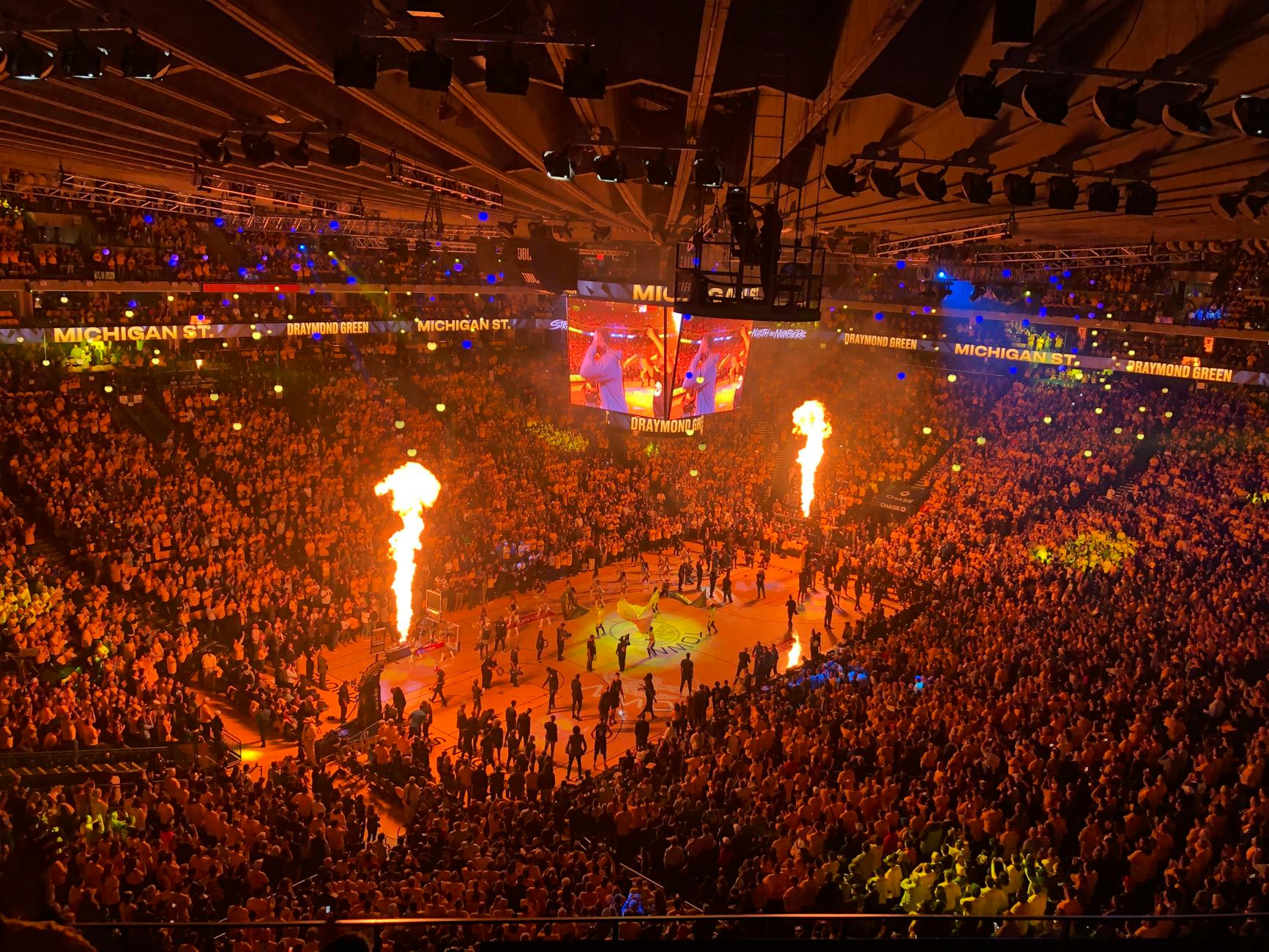
It's the fourth quarter. Your team is down by two. There are 40 seconds left on the clock and the crowd is going absolutely insane. You pull out your phone to capture the moment — and you're met with a black screen and a dead battery notification. At NBA games, this scenario plays out in arenas across the country every single night of the season, and it's entirely preventable.
Whether you're attending your first game or you're a season ticket holder who's been going for years, keeping your phone charged at a basketball game takes a little bit of planning. This guide covers everything you need to know: why phones drain so fast inside arenas, what you can and can't bring, the settings to toggle before tip-off, and the strategies that actually work when you need battery the most.
Why Phones Die So Fast Inside NBA Arenas
Before you can solve the problem, it helps to understand what's killing your battery in the first place. NBA arenas are essentially battery-drain machines, and it's not your imagination.
Network congestion is the biggest culprit. When 18,000 to 20,000 fans are crammed into the same building, every single one of them is trying to use their phone simultaneously. Your phone has to work much harder to maintain a signal when it's competing with that many other devices. It cycles through connection attempts repeatedly, and each failed or weak connection burns through your battery faster than normal usage would.
On top of that, arenas like Madison Square Garden, the Chase Center, and Crypto.com Arena have invested heavily in Wi-Fi infrastructure — but connecting to a stadium Wi-Fi network that's handling thousands of simultaneous users still creates its own strain. Your phone bounces between the cellular network and Wi-Fi trying to find the fastest path, which burns power continuously.
Then there's everything you're actually doing with the phone: taking photos and videos, running the NBA app, posting to social media, texting friends about the game, checking scores in other games, and keeping your screen at maximum brightness so you can see it in the bright arena lighting. Each of these activities stacks on top of the network drain. A typical phone that would last all day on a normal workday can die within two to three hours at a packed NBA game.
Arena Charging Restrictions: What You Need to Know Before You Go
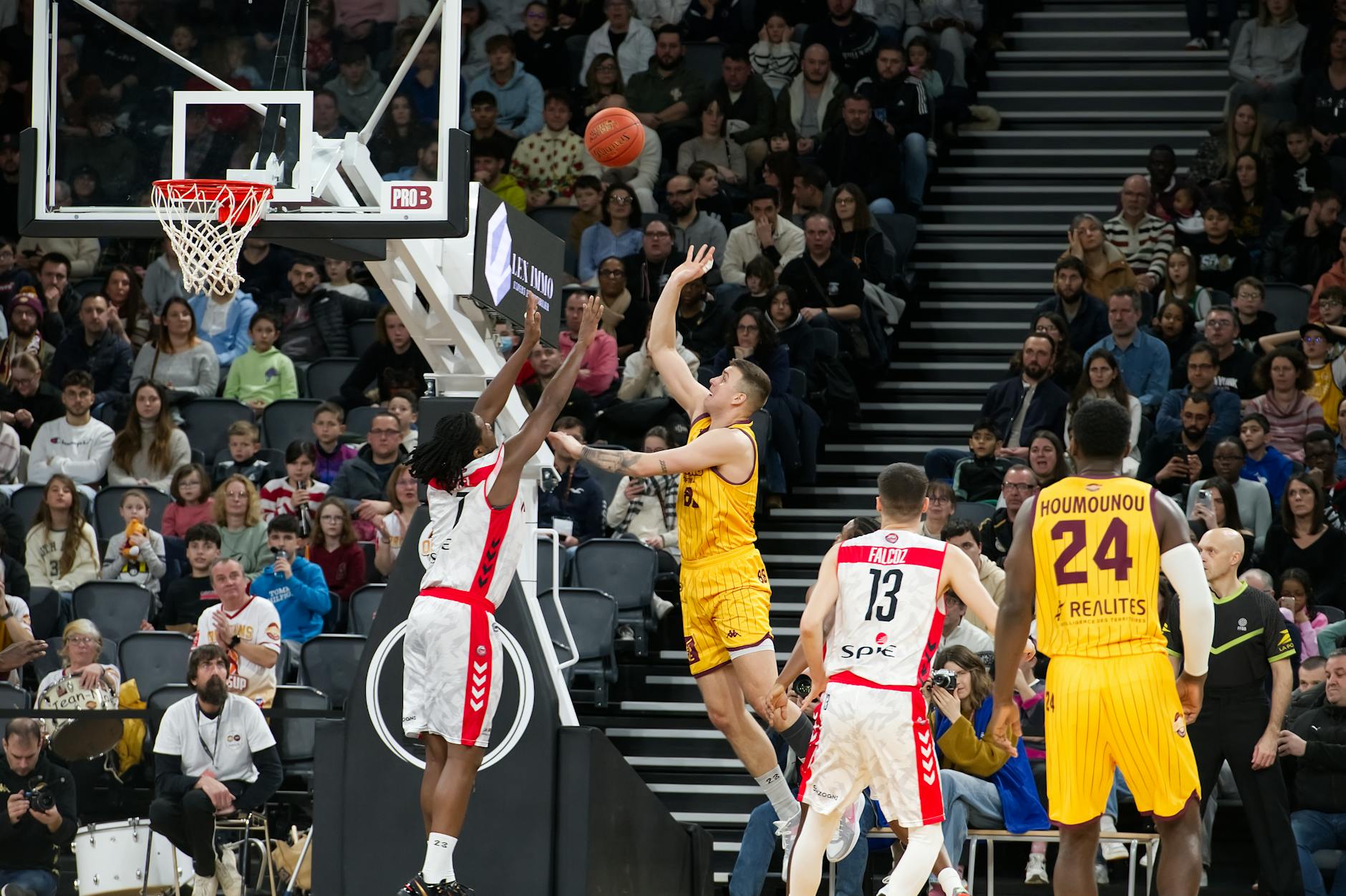
Here's something a lot of fans don't realize until they're standing at the gate: most NBA arenas have specific rules about what you can bring in, and portable chargers fall into a grey area that varies by venue.
The general rule across most arenas is that portable chargers (power banks) are allowed as long as they fall below a certain capacity. The typical limit is 20,000 mAh, and most security teams are checking for obviously oversized battery packs. Compact chargers that fit in a pocket or small bag almost never cause issues. However, the exact policies differ from arena to arena and can even change season to season, so it's always worth checking the venue's official bag policy page before you leave home.
A few other things worth knowing about arena entry:
- Most arenas now enforce clear bag policies — your portable charger needs to be visible inside a clear bag or small clutch.
- Charging cables are always fine to bring. No venue restricts a simple cable.
- Some premium clubs and suite areas have built-in charging stations at the seats.
- Wired earbuds and charging bricks that come with your phone are universally allowed.
When in doubt, call the arena box office the day before. Their staff knows the current policy better than any website will, and they'll tell you exactly what to leave at home.
Battery-Saving Settings to Enable Before Tip-Off
The single best thing you can do for your phone battery at an NBA game costs nothing and takes about 60 seconds to set up. Do this in the parking lot or on the way to your seat — before you're inside the building and the network chaos begins.
Enable Low Power Mode immediately. On iPhone, go to Settings → Battery → Low Power Mode. On Android, it's typically Settings → Battery → Battery Saver. This single toggle reduces background app refresh, lowers screen brightness slightly, and cuts down on the constant location pings that apps run in the background. Studies by phone manufacturers show Low Power Mode extends battery life by 20 to 30 percent — that can be the difference between capturing the final buzzer and missing it entirely.
Beyond Low Power Mode, here are the specific settings worth adjusting:
- Screen brightness: Manually set it to around 50%. Auto-brightness often cranks up higher than necessary in arenas due to bright court lighting.
- Background app refresh: Turn this off entirely for the day. Your apps don't need to update in the background while you're watching a game.
- Location services: Set apps to "While Using" rather than "Always." Limiting GPS requests is one of the fastest ways to cut battery drain.
- Wi-Fi: Connect to the arena's official Wi-Fi network once and stay on it. Leaving Wi-Fi scanning on while it searches for networks burns more power than just staying connected to one.
- Push notifications: Go into Focus Mode (iPhone) or Do Not Disturb (Android) so apps aren't constantly waking your screen to show you notifications from apps you aren't using right now.
- Bluetooth: If you're not using wireless earbuds or a smartwatch during the game, toggle Bluetooth off. It's a small gain but everything adds up.
These changes together can realistically extend your usable battery life by 40 to 50 percent during a three-hour game — without you missing a single notification that actually matters.
What to Pack in Your Game Day Bag
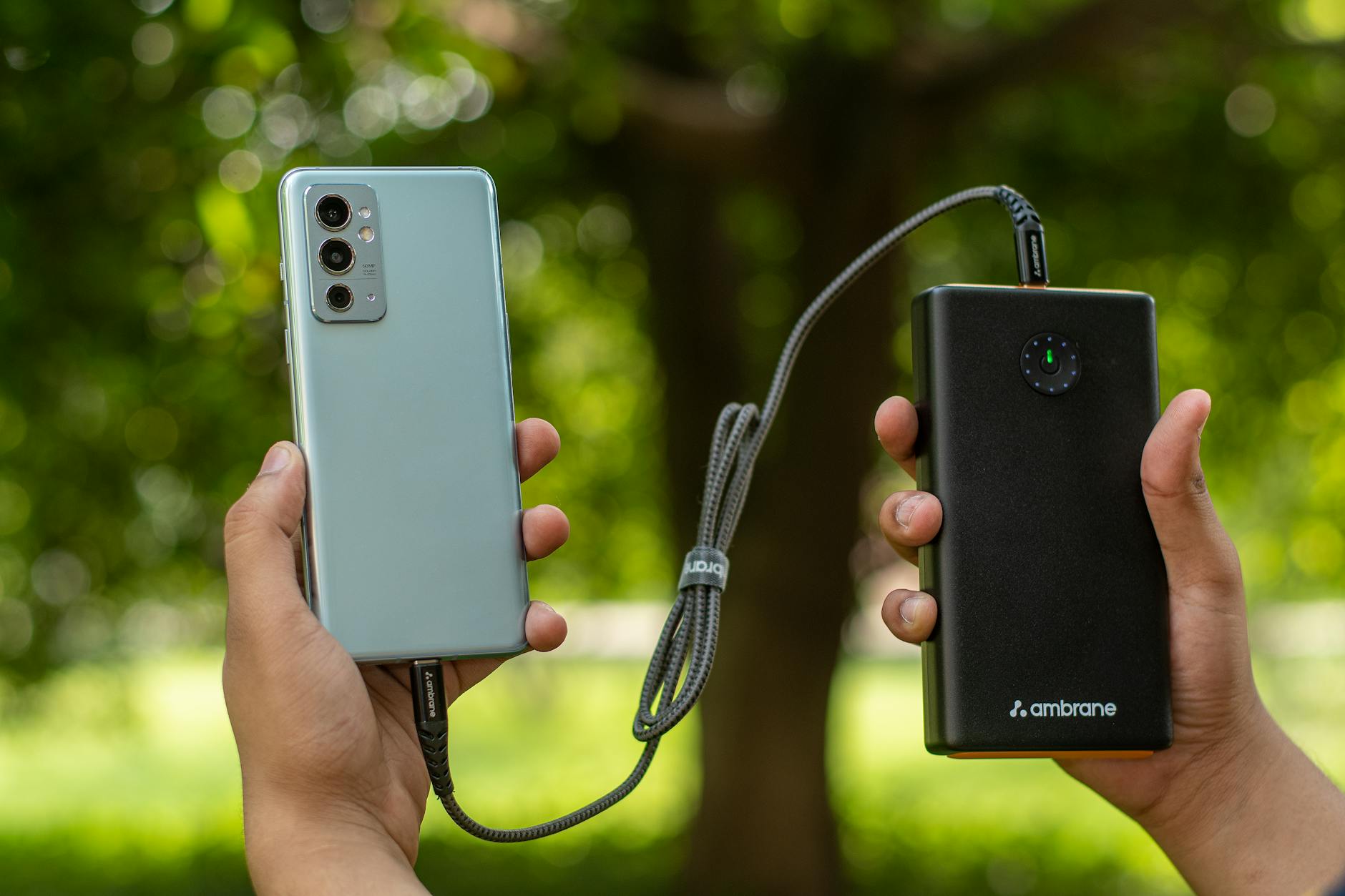
If you're serious about keeping your phone alive through all four quarters — plus halftime, timeouts, warmups, and the post-game chaos outside the arena — packing the right gear makes all the difference. Here's what belongs in your bag for every NBA game day.
A compact portable charger is the most important item on the list. For an NBA game, you don't need anything massive. A 10,000 mAh power bank is more than enough to fully charge most phones at least once, and units in that range are small enough to fit in a jacket pocket. Look for one with a USB-C port that supports fast charging so you can get a meaningful top-up in the 15-minute halftime window rather than waiting an hour.
Other game day bag essentials for phone management:
- The right cable for your phone — USB-C to USB-C, or USB-C to Lightning for older iPhones. A short cable (one foot) is easier to manage in a crowded seat.
- A portable wireless charger if your phone supports it — some fans prefer this because there's no cable to fumble with in a dark arena.
- A fully charged phone before you leave home. This sounds obvious, but plug in when you wake up on game day and unplug right before you walk out the door. Starting at 100% gives you a massive head start.
The Halftime Strategy: When to Charge vs. When to Watch
Halftime at an NBA game is roughly 15 minutes long. Most fans use it to grab food, use the restroom, or stretch their legs. But for anyone who's running low on battery, halftime is your charging window — and how you use it matters.
Plug in the moment the buzzer sounds. Don't wait until you've walked to the concourse and found your spot in line at the food stand. Plug in at your seat the second halftime begins and let the charger work while you do everything else. By the time you're back in your seat for the third quarter tip-off, you might have picked up 15 to 20 percent — potentially enough to get you through the rest of the game.
Fast charging is worth the investment specifically for this scenario. Standard 5W charging might add 8 to 10 percent in 15 minutes. A 25W or 30W fast charger can add 20 to 25 percent in the same window. That's a meaningful difference when you're racing the clock before tip-off.
If you're below 20 percent heading into halftime, consider this: put the phone face-down in your pocket while it charges and resist checking it. Every time you wake the screen, you slow down the charging rate. Let it charge undisturbed and you'll end up with more battery for the second half.
Emergency Charging Options at NBA Arenas
Forgot your charger? Or your portable battery died too? Most major NBA arenas have at least some built-in charging options available — they're just not always obvious or easy to find.
Charging kiosks are the most common option. Arenas like the Barclays Center, United Center, and American Airlines Center have charging stations scattered around the concourse level. These are usually branded installations — sometimes by phone carriers, sometimes by the arena itself — with built-in cables for common phone connectors. The catch: there are never enough of them, and the lines during halftime can be long enough that you barely get five minutes of charge before you need to head back to your seat.
Some things worth knowing about arena charging kiosks:
- They're usually located near major concession stands or restrooms on the main concourse level.
- Many require you to stay physically present with your phone — they're not lockers where you can leave your device.
- The charging speed at shared kiosks is often slow — they're not optimized for fast charging.
- Premium club seats and suites almost always have USB or wall outlets available at or near the seat.
If you're in a premium section, ask your seat attendant at the start of the game whether there are charging options nearby. Many clubs have this as a perk that isn't well advertised.
Best NBA Apps That Won't Drain Your Battery
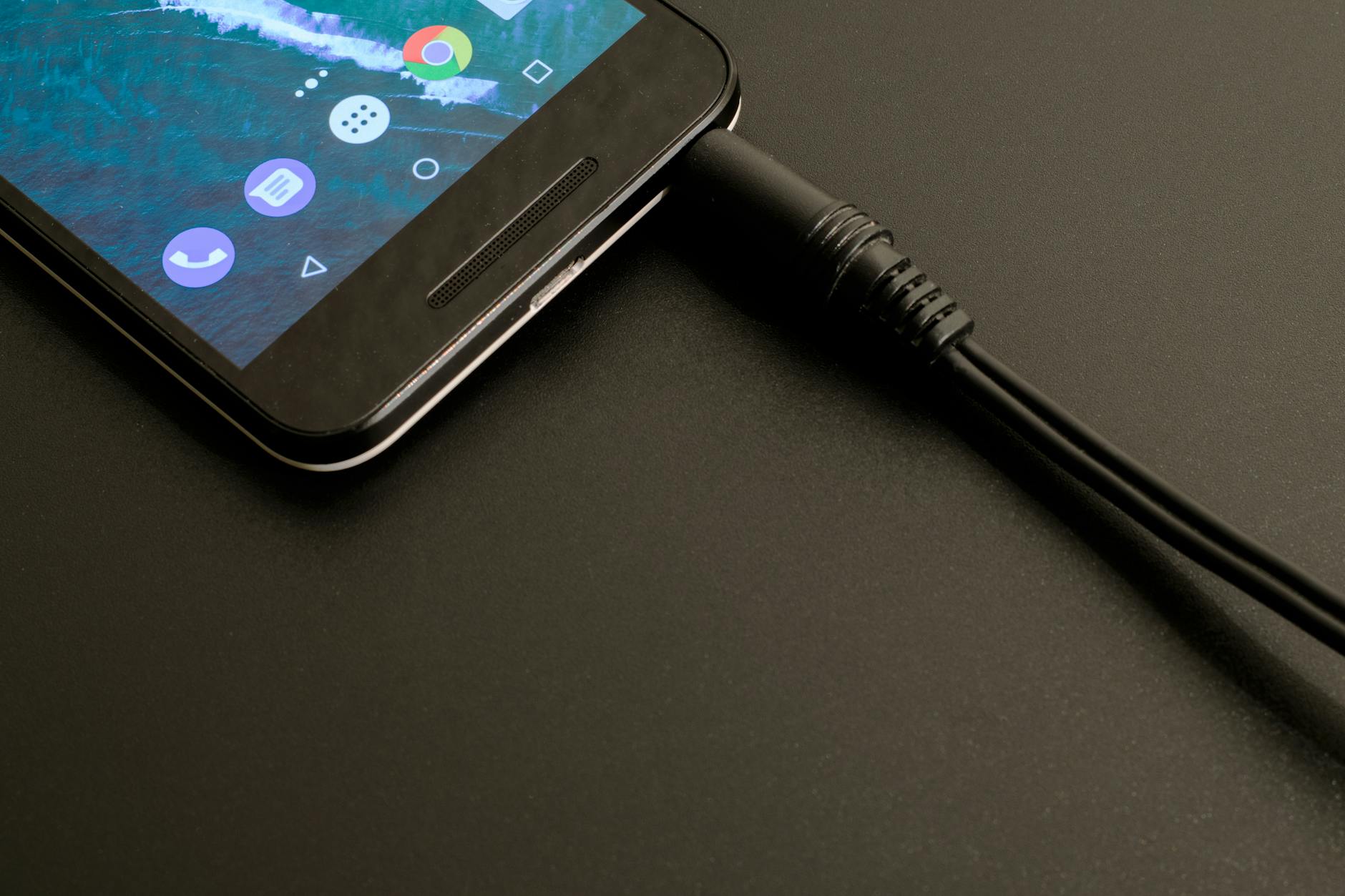
You're at the game to watch basketball, but your phone is still useful — checking the score in another game, looking up a stat, or sharing a photo during a timeout. Not all apps are equal when it comes to battery consumption. Here's how to use your phone smarter during the game.
The official NBA App is feature-rich but can be a battery hog when you have live video enabled. If you're at the arena, you don't need to stream video through the app — just use it for stats and scores, and make sure the "autoplay" and background video settings are turned off before you open it.
For checking scores in other games, a simple sports scores widget on your home screen uses far less battery than opening a full app. Set up the ESPN or theScore widget before game day so you can glance at it without launching the app at all.
Social media is the biggest battery drain of any app on your phone during a game. Instagram, TikTok, and X (Twitter) all autoplay video, constantly refresh feeds, and run aggressive background processes. If you want to post a photo or a quick update, do it — but close the app immediately afterward rather than scrolling. Leaving social apps open in the background is one of the fastest ways to burn through your remaining battery.
For group chats with friends you're attending with, iMessage and WhatsApp are relatively light on battery as long as you're not sending videos back and forth. Text over video when you can.
A Few More Tips NBA Fans Swear By
Beyond the major strategies above, experienced game-goers have picked up a handful of habits that add up over the course of a long season:
- Download your playlist or podcast before you go. Streaming music or podcasts during warmups kills battery. Downloading beforehand means your phone doesn't need a connection to play it.
- Use Airplane Mode during dead time. If you're watching warmups and don't need your phone, toggling to Airplane Mode for 20 minutes can recover a few percentage points before tip-off.
- Bring a second cable. Cables break at the worst possible moments. A backup cable costs almost nothing and has saved more than a few fans from a dead phone in the fourth quarter.
- Charge your power bank the night before, not the morning of. If you're rushing out the door on game day, you want your backup battery fully ready — not half-charged because you forgot to plug it in.
- Take burst photos strategically. Burst mode is amazing for capturing action, but it also means you're writing dozens of high-resolution files to storage at once, which spikes processor usage and battery drain. Save burst mode for the genuinely big moments.
Summary: Your Game Day Phone Battery Checklist
Keeping your phone alive through an entire NBA game comes down to preparation and habits, not luck. Here's the complete checklist to run through before every game:
- Charge your phone to 100% before you leave home
- Check the arena's bag policy and confirm power banks are allowed
- Pack a compact 10,000 mAh power bank and a short cable
- Enable Low Power Mode before you enter the building
- Turn off Background App Refresh and limit Location Services
- Connect to the arena's official Wi-Fi once and stay on it
- Close social media apps after posting — don't leave them running
- Plug in at your seat the moment halftime starts
- Keep your screen face-down while charging so you don't slow it down
Follow these steps and you'll have a fully charged phone waiting for you when that fourth-quarter buzzer sounds — whether it's a blowout or the most dramatic ending of the season.
Looking for a compact charger built for game day? If you want something small enough to fit in a jacket pocket and fast enough to make a real difference during halftime, we've had good results with the Snap-N-Charge — it's designed specifically for on-the-go use and handles fast charging well. Worth a look if you're in the market for a new power bank before the playoffs.