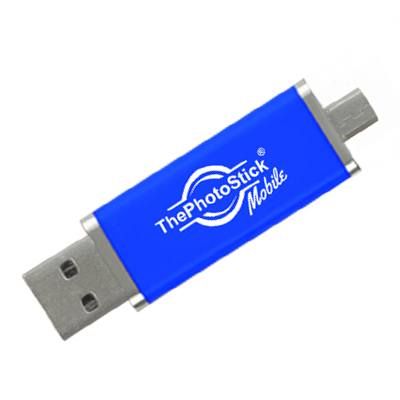
ThePhotoStick Mobile
Tech & Gadgets · More in Tech & Gadgets
$64.99 USD
About ThePhotoStick Mobile
Buy ThePhotoStick Mobile — Tech & Gadgets at The Secret Trends. From $64.99.
Why ThePhotoStick Mobile stands out in the Tech & Gadgets category
ThePhotoStick Mobile addresses a genuine friction point that most phone users face but rarely solve: the gap between cloud storage limitations and actual backup needs. Unlike generic external drives or cloud subscriptions that require ongoing fees or subscriptions, this device takes a decidedly offline-first approach. The one-tap backup mechanism and automatic duplicate elimination represent a meaningful departure from the manual file management most people associate with external storage. What distinguishes it is the deliberate simplicity—there's no folder hierarchy to navigate, no selective sync decisions to make, no cloud algorithm deciding what stays and what goes. The device targets a specific anxiety: permanent loss of photos and videos due to phone damage, theft, or accidental deletion. By offering storage capacities up to 256GB and cross-platform compatibility spanning both iOS and Android ecosystems, ThePhotoStick Mobile positions itself as a hardware-based insurance policy rather than a convenience tool. The 30-day return window and rapid shipping reflect confidence in addressing a real pain point rather than incremental feature enhancement.
Who should consider ThePhotoStick Mobile
This product resonates most with people who accumulate substantial photo and video libraries but harbor legitimate concerns about losing them. Parents documenting children's growth, travel photographers managing thousands of shots, or anyone with over a decade of smartphone memories benefit from the non-negotiable backup security. Users skeptical of cloud storage—whether due to privacy concerns, subscription fatigue, or past experiences with account lockouts—find the offline, ownership-based model appealing. The device particularly suits those who rarely organize photos into albums or folders; the automatic detection and deduplication handle that cognitive load entirely. Android and iPhone users in the same household appreciate the single solution that serves both platforms without purchasing separate devices. Additionally, people with spotty internet connectivity or limited cloud storage quotas avoid the recurring expense and dependency on bandwidth. Those wanting a tactile, physical backup alongside cloud services use it as a complementary layer. The relatively straightforward setup appeals to non-technical users who want robust protection without learning new software or navigating complex settings. Anyone experiencing phone storage anxiety—that perpetual full-storage warning—finds practical relief through a single purchase.
Who might look at alternatives
The offline-centric design works against buyers prioritizing real-time, always-accessible backup across devices. Someone who relies on seamlessly accessing photos from multiple phones, tablets, or computers throughout the day may find the hardware-tethered approach limiting. Power users managing photo libraries professionally, with demands for advanced organization, metadata preservation, or version control, likely need more sophisticated tools than one-tap automation offers. Additionally, buyers already invested in cloud ecosystems—whether Google Photos, iCloud, or Amazon Photo—may find the learning curve and hardware cost harder to justify, particularly if they've never experienced actual data loss. Users with inconsistent backup habits might struggle with the physical discipline required: remembering to plug in the device weekly and managing another physical object. Those in extremely mobile lifestyles, rarely near a computer or with minimal desk space, might view an additional device as friction rather than solution. Budget-conscious shoppers uncomfortable with upfront hardware investment, preferring lower initial costs even if subscriptions accumulate over time, may gravitate toward free or freemium cloud options. Finally, anyone deeply committed to cloud-native workflows and seamless cross-device synchronization finds the offline model incompatible with their established routine.
Common questions about ThePhotoStick Mobile
A frequent concern involves storage reality: how many photos actually fit in 256GB? The cited figure of 120,000 items depends heavily on video length and resolution. A library with mostly short clips will hit capacity much faster than one of mostly compressed photos. Another question addresses redundancy—if someone already uses cloud backup, does this device duplicate effort? The answer hinges on risk tolerance. Cloud services sometimes face outages, account suspensions, or deletion of inactive accounts; this device provides an independent failsafe untouched by those scenarios. Some buyers wonder whether the app's one-tap approach truly captures everything, or whether hidden photos or videos slip through. The automatic detection is designed to be comprehensive, though encrypted or app-specific photos might require additional manual export steps. Lastly, people question the device's longevity: how reliable is a physical storage stick over years or decades? Hardware degradation is real and affects all external drives, so this device isn't a permanent archival solution but rather an active backup maintained and rotated periodically, much like insurance policies themselves.
How ThePhotoStick Mobile fits into a real-world routine
The practical use emerges most clearly in weekly or monthly rituals. Someone syncs their phone during Sunday evening downtime—plugging in the device, tapping the app, then letting it run while they handle other tasks. Over twenty minutes, thousands of new photos and videos transfer invisibly. This casual, scheduled rhythm contrasts sharply with the friction of manual exports or the passive hope that cloud backup "just works." For travelers, the device offers peace of mind without requiring WiFi dependency; they can back up a day's worth of adventure photos using a hotel room USB charger, then continue exploring unburdened by storage anxiety. Parents documenting childhood moments feel genuine relief knowing these irreplaceable memories exist in triplicate—on the phone, in cloud storage, and on this physical device. Someone whose phone dies unexpectedly doesn't lose the last three months of backed-up photos because the device holds them independently. For households with multiple family members' devices, one person becomes the backup steward, managing a centralized storage hub rather than each person juggling their own cloud accounts. The device doesn't demand perfection; missing one week's backup doesn't erase previous backups, making it forgiving of interrupted routines and genuinely complementing human inconsistency rather than punishing it.
Key features
- Available in 32GB, 64GB, 128GB, and 256GB storage sizes
- Compatible with Android devices running OS 4.4 or newer (OTG compatible)
- Compatible with iPhones, iPads, and iPod Touches with Lightning Port (iOS 9.0 or later)
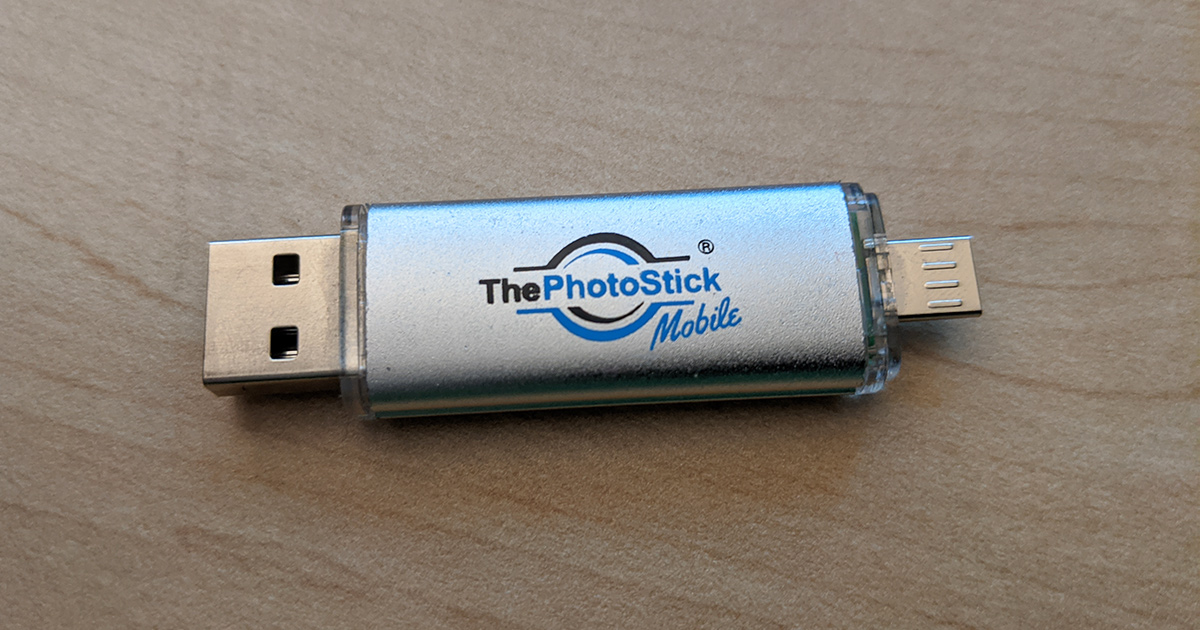
- Includes FREE adapter for Micro-USB and USB-C Android devices
- Works with Windows XP through Windows 10 and Mac OS X 10.6 and later
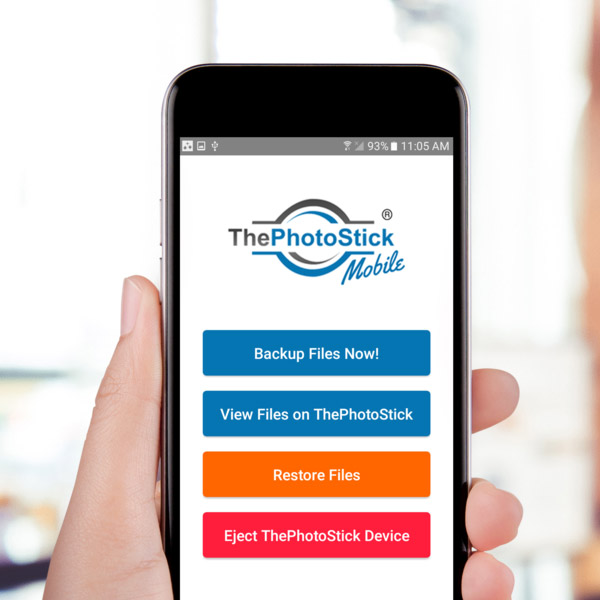
- One-tap backup via free 'ThePhotoStick Mobile' app
- Automatically finds and backs up all photos and videos
- Eliminates duplicate photos
What you get
- Instantly back up thousands of photos and videos without manual effort
- Never lose precious memories due to storage errors or cloud failures
- Save up to 120,000 photos and videos on a single device
- Easy 3-step setup: download app, plug in, click backup
- Use as an ongoing weekly backup solution for continuous protection
- Transfer memories to your computer with a simple plug-in
- No need to search, sort, or organize files manually
- Eliminates duplicate photos to maximize storage
Say Goodbye To 'Storage Full' Errors FOREVER!
ThePhotoStick Mobile® lets you instantly back up your priceless memories without the frustration of searching and organizing them yourself. It eliminates the risk of losing your memories to cloud failures or device storage limits. With a simple one-tap process, all your photos and videos are safely stored on your personal device.
Easily Back Up Thousands of Photos and Videos
ThePhotoStick Mobile® is available in four storage sizes to meet every need: 32GB saves up to 15,000 photos and videos, 64GB saves up to 30,000, 128GB saves up to 60,000, and 256GB saves up to 120,000. The storage calculations are based on an average 2MB file size (8MP JPEG). Actual capacity may vary for larger file types such as RAW images or video files.
How It Works — As Easy as 1, 2, 3
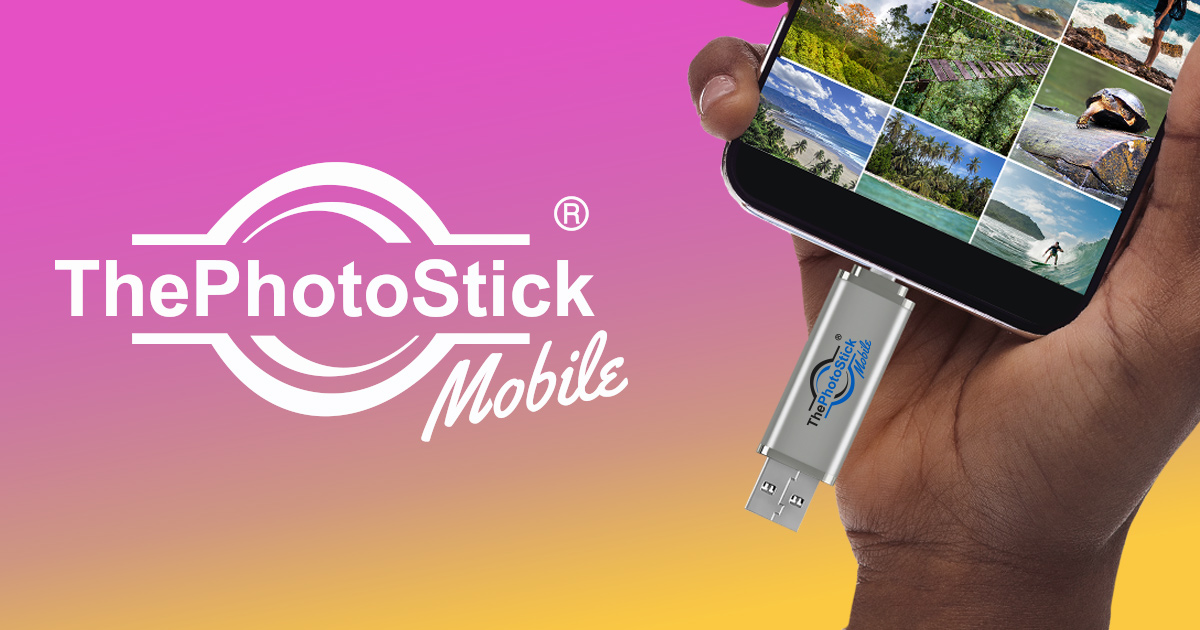
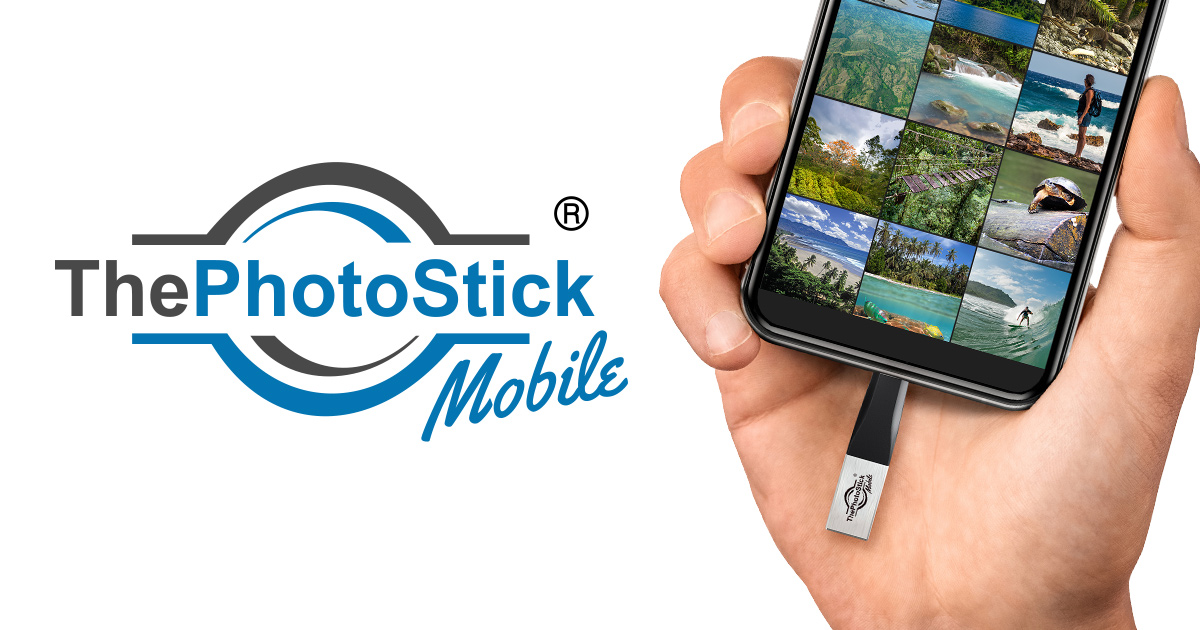
Getting started with ThePhotoStick Mobile® takes just minutes. First, download and launch the free 'ThePhotoStick® Mobile' app on your smartphone. Then plug in the device and tap 'Backup Now' to automatically save all your photos and videos. Optionally, plug the stick into your computer to transfer and access your files on Windows or Mac.
Product gallery
Customer reviews
★★★★★"I have tons of pics. I thought they were safe until I saw this ad. I bought ThePhotoStick and it loaded ALL my pics, even ones I didn't remember I had. I got a photo frame as a gift, plugged ThePhotoStick in and now all those old pics are rotating in the photo frames in my kitchen. Good memories!"
— Tenny S., Verified Buyer
★★★★★"I had a grand total of about 60,000 images, with many duplicates. This little 'stick' managed to eliminate the duplicates so that I now have about 24,000 originals preserved forever in a fire-proof vault, a cost-free and independent method of safekeeping."
— Cyril R., Verified Buyer
★★★★★"The Photo Stick works just the way it says it does; very easy to use. I checked it when done, and there were my pictures. There is so much room on the stick that I should be able to use it for years to backup documents and pictures."
— Linda W., Verified Buyer
Frequently asked questions
Which smartphones are compatible with ThePhotoStick® Mobile?
Almost all major Android, iPhone, and iPad devices. Compatible with all Samsung, LG, Motorola, and HTC phones running Android OS 4.4 or newer made in the last 3 years (must be OTG compatible; free adapter included for Micro-USB and USB-C). For iOS, compatible with all iPhones, iPads, and iPod Touches with a Lightning Port running iOS 9.0 or later.
Which computers can I use to transfer photos and videos off the device?
By simply plugging in ThePhotoStick® Mobile to your computer, you can easily transfer all photos and videos. It is compatible with Windows XP, Vista, 7, 8, 8.1, and 10, as well as Mac OS X Version 10.6 and later.
How do I start ThePhotoStick® Mobile?
It's as easy as 1-2-3: (1) Download and launch the free 'ThePhotoStick® Mobile' app, (2) Plug in the device, (3) Click 'Backup Now'. Optionally, plug into your computer to transfer the photos and videos off your device.
What photo file size is used when calculating storage capacity?
We use an average photo file size of 2MB for our calculation, which is the approximate size of an 8MP photo saved in JPEG format. Some file sizes are much larger (e.g., RAW files, .MOV, .MPEG4, or photos from cameras greater than 8MP), so actual storage numbers may vary.
Can I use ThePhotoStick® Mobile as an ongoing backup solution?
Yes, it's a great backup solution! Many people plug ThePhotoStick® Mobile in weekly and do a quick and easy backup to make sure they are continually protecting their memories.
How does the 30 Day Money Back Guarantee work?
All products are backed by a 30 Day Money Back Guarantee, starting on the day of shipping.
Will I have to pay any additional customs, duties, or VAT fees when I receive my order?
Depending on your country, it is possible that you will be charged one or more of these fees when you receive your order.
When can I expect my order?
We ship all orders within 24–48 hours of receiving them. On average, our product is delivered within 3–5 business days in the United States. International shipping times will vary depending on country and customs.
More about ThePhotoStick Mobile
ThePhotoStick Mobile is featured in our Tech & Gadgets selection. For hands-on testing notes and verdicts, browse our product review blog or see more Tech & Gadgets products.
Product information source: Features, specifications, and customer testimonials shown on this page are sourced from the manufacturer's official ThePhotoStick Mobile product page.
Disclosure: ThePhotoStick Mobile is an affiliate product. We may earn a commission if you purchase via the "Buy" button on this page at no additional cost to you.